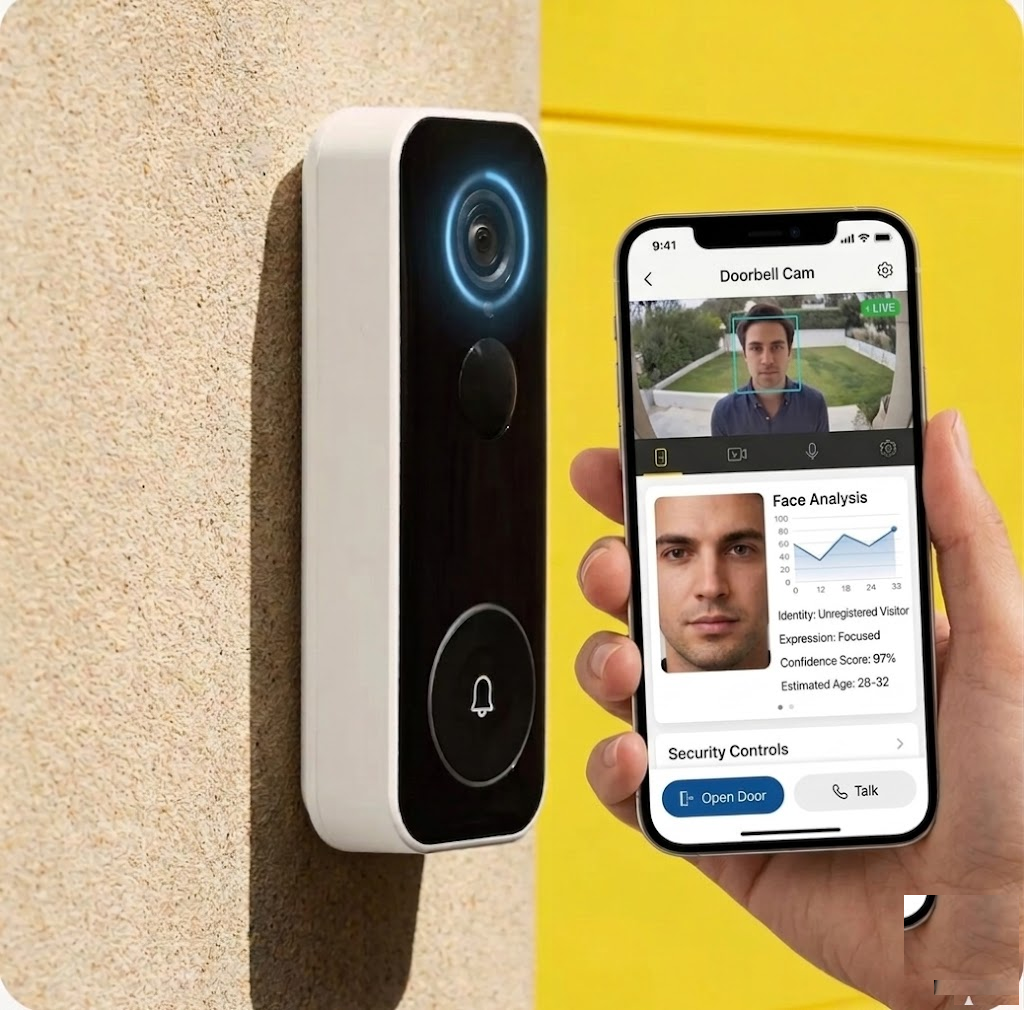
How might we reduce 5 unlock steps to 1, using facial recognition, without compromising security or privacy?
Yale’s smart doorbell needs 5 steps to unlock: press doorbell, wait for notification, open app, check video, tap unlock. The flow was built for visitors — not residents at their own door.
I spoke with 8 smart lock users. Informal conversations, directional insights.
6 out of 8 use a physical key or PIN more than the app. The smart feature is too slow at the door.
Nobody worried about their own entry. The stress was remote-unlocking for others.
Every person rejected auto-unlock — even if perfect, it felt "wrong." The confirmation step isn't a compromise. It's the feature.
People want the door to know who they are. They don't want it to decide for them. The design must preserve the feeling of choice.
Current flow mapped against the proposed redesign.
Every participant rejected auto-unlock. One tap preserves agency: "I chose to open the door."
All face matching on-device using embeddings, not stored photos. Nothing leaves the hardware.
Without liveness detection, a photo could trigger unlock. Depth sensing adds 1-2 seconds — users read this as "thorough," not slow.
Facial recognition creates real exclusion risks. I designed fallback methods for every scenario where the primary flow might fail or be inappropriate. No user should be locked out because they can't or won't use face recognition.
GDPR restricts biometric processing for minors. Face + mandatory PIN. Parents set time-based entry rules.
Face recognition is opt-in only. PIN pad and physical key remain as parallel entry methods.
Time-limited access codes via app. Auto-expire and are logged. No biometric enrollment needed.
Never trigger facial recognition flow. Standard video call to homeowner for remote decision.
IR LEDs for night. Below confidence threshold → automatic fallback to PIN entry.
Silent alarm PIN: opens door normally while silently alerting emergency contacts.
Would people actually enroll their faces? Even with on-device processing and full transparency, biometric enrollment is a big ask. I don't have real opt-in data.
Does one-tap feel secure enough in context? Prototype testing in a controlled environment isn't the same as standing at your front door at night. Physical context changes how security feels.
Can current doorbell hardware support this? On-device face matching with liveness detection requires significant processing power. I haven't verified chipset capabilities or battery impact.
The hardest UX problems are emotional. Everyone understood auto-unlock could work. They still didn't want it. Designing for the feeling of control mattered more than speed.
GDPR as a constraint pushed better decisions. On-device processing, explicit consent, instant deletion — regulations forced privacy-first architecture that also builds trust.